NHTSA ID Number: 10114568
Manufacturer Communication Number: PIC5804A
Summary
This Preliminary Information communication advises the technician of steps to take if Pandora is inoperative or experiencing intermittent operation.
1. Verify Pandora is installed on the device.
2. Make sure the device is Bluetooth connected and paired to Cadillac CUE.
3. Make sure stations have been created in Pandora on the device.
4. Launch Pandora by selecting the Pandora Icon on the Integrated Center Stack and allow a few moments for the App to start on the device.
5. Make sure the Bluetooth volume on the device is turned up or on. Pandora volume is controlled by the device since it is a Bluetooth application.
6. Pandora is controlled by the devices connection and data signal. If the device has a poor data signal Pandora may not play.
7. If Pandora is successfully working, the device should display “Accessory”.
8. Apple devices must be connected via USB to the vehicle to launch Pandora. Customers can use the “Bluetooth” input under the media selection to stream audio but will not have full control of the device using the radio.
9. Some Android phones require a setting in Pandora to allow Pandora to access automotive audio. Launch Pandora on the phone, in Pandora select settings in the upper right hand corner of the screen, select “advanced” and make sure “Bluetooth for Automotive” is checked and enabled.
10. If all of the above tips have been verified, and the message “No Internet Connection” is displayed on the Integrated Center Stack screen, CUE is not picking up the devices internet connection. Ensure that the device has adequate battery life and a good data signal. Check to see if Pandora can be heard through the device itself. If Pandora is playing through the handset device, try repairing the device and/or switching to a different audio screen and coming back to Pandora.
11. If Pandora is installed on a phone and a media device is also connected, such as an IPod that is hardwired to the vehicle, there may be confusion.
15 Affected Products
Vehicles
| CADILLAC | ATS | 2013-2015 |
| CADILLAC | CTS | 2014-2015 |
| CADILLAC | ELR | 2014-2015 |
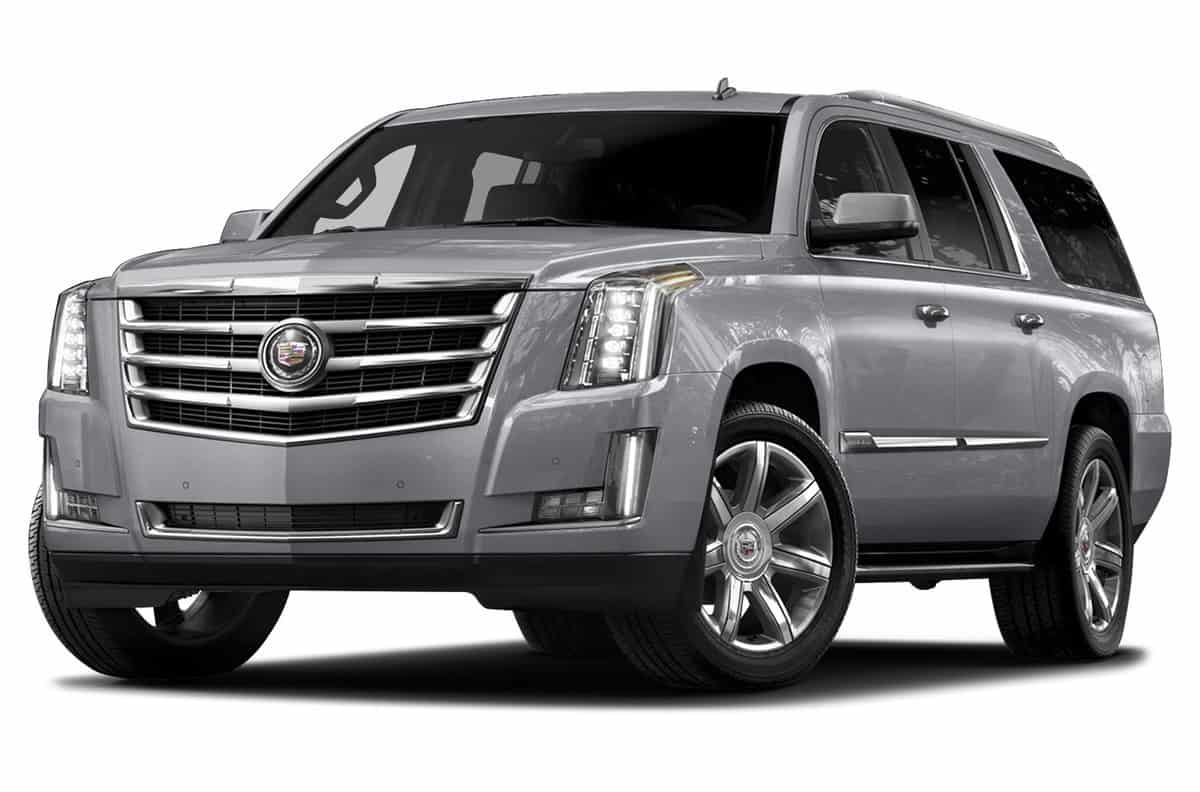
| CADILLAC | ESCALADE | 2015 |
| CADILLAC | ESCALADE ESV | 2015 |
| CADILLAC | SRX | 2013-2015 |
| CADILLAC | XTS | 2013-2015 |
SEOCONTENT-START
| Subject: | Pandora Tips For CUE (Cadillac User Experience) |
| Models: | 2013-2015 Cadillac ATS, SRX, XTS |
| 2014-2015 Cadillac CTS, ELR | |
| 2015 Cadillac Escalade | |
| Equipped with CUE Infotainment System | |
| (U.S. Only, Pandora not available in Canada) |
Pandora being inoperative or experiencing intermittent operation.
If this concern is encountered, please review the following information:
Pandora Tips
- Verify Pandora is installed on the device.
- Make sure the device is bluetooth connected and paired to Cadillac CUE.
- Make sure stations have been created in Pandora on the device.
- Launch Pandora by selecting the Pandora Icon on the Integrated Center Stack (ICS) and allow a few moments for the App to start on the device.
- Make sure the Bluetooth volume on the device is turned up or on. Pandora volume is controlled by the device since it is a Bluetooth application.
- Pandora is controlled by the devices connection and data signal. If the device has a poor data signal Pandora may not play.
- If Pandora is successfully working, the device should display “Accessory”.
- Apple devices must be connected via USB to the vehicle to launch Pandora. Customers can use the “Bluetooth” input under the media selection to stream audio but will not have full control of the device using the radio
- Some Android phones require a setting in Pandora to allow Pandora to access automotive audio. Launch Pandora on the phone, in Pandora select settings in the upper right hand corner of the screen, select “advanced” and make sure “Bluetooth for Automotive” is checked and enabled.
- If all of the above tips have been verified, and the message “No Internet Connection” is displayed on the ICS screen, CUE is not picking up the devices internet connection. Ensure that the device has adequate battery life and a good data signal. Check to see if Pandora can be heard through the device itself. If Pandora is playing through the handset device, try repairing the device and/or switching to a different audio screen and coming back to Pandora
- If Pandora is installed on a phone and a media device is also connected, such as an IPod that is hardwired to the vehicle, there may be confusion. If customer wishes to play Pandora through the phone, ensure that the Pandora on the media device is not running. The first device connected is the device that will launch Pandora. If the device currently playing Pandora is disconnected, the next connected device now becomes the “first” connected device and so on.
SEOCONTENT-END
Bulletin No.: PIC5804A
Date: May-2015
To View or Download this Document Click Here
Bulletin No.: PIC5804
Date: Jan-2013
To View or Download this Document Click Here
Bulletin No.: PIC5804
Date: January, 2013
To View or Download this Document Click Here

- Blazing-fast Qualcomm performance. Get the speed you need for great entertainment with a Snapdragon 680 processor and 4GB**** of RAM.
- Fluid display + immersive stereo sound. Bring your entertainment to life with an ultrawide 6.5" 90Hz* HD+ display plus stereo speakers, Dolby Atmos, and Hi-Res Audio**.
- 50MP*** Quad Pixel camera. Capture sharper, more vibrant photos day or night with 4x the light sensitivity.
- 64GB**** built-in storage. Get plenty of room for photos, movies, songs, and apps—and add up to 1TB more with a microSD card*****.
- Unbelievable battery life. Work and play nonstop with a long-lasting 5000mAh battery.*****


- Please note, this device does not support E-SIM; This 4G model is compatible with all GSM networks worldwide outside of the U.S. In the US, ONLY compatible with T-Mobile and their MVNO's (Metro and Standup). It will NOT work with other CDMA carriers, and it is also not compatible with their MVNO (Visible, Xfinity Mobile, US Mobile, Cricket Wireless, etc).
- Compatibility with certain third-party devices and accessibility accessories, including some hearing aids, may vary depending on manufacturer support, Bluetooth protocols, software compatibility, and regional firmware limitations. For additional hearing aid compatibility information, please refer to Samsung’s official support documentation.
- Camera: 50 MP, f/1.8, (wide), 1/2.76", 0.64µm, AF | 50 MP, f/1.8, (wide), 1/2.76", 0.64µm, AF | 2 MP, f/2.4, (macro). Battery: 5000 mAh, non-removable | A power adapter is NOT included.

- Google Pixel 10a is a durable, everyday phone with more[1]; snap brilliant photography on a simple, powerful camera, get 30+ hours out of a full charge[2], and do more with helpful AI like Gemini[3]
- Unlocked Android phone gives you the flexibility to change carriers and choose your own data plan; it works with Google Fi, Verizon, T-Mobile, AT&T, and other major carriers
- Pixel 10a is sleek and durable, with a super smooth finish, scratch-resistant Corning Gorilla Glass 7i display, and IP68 water and dust protection[4]
- The Actua display with 3,000-nit peak brightness shows up clear as day, even in direct sunlight[5]
- Plan, create, and get more done with help from Gemini, your built-in AI assistant[3]; have it screen spam calls while you focus[6]; chat with Gemini to brainstorm your meal plan[7], or bring your ideas to life with Nano Banana[8]

- NEW built-in stylus. Jot notes, edit photos, sketch artwork, and navigate effortlessly with an improved stylus and updated software.
- 6.7" pOLED display and Dolby Atmos. Experience cinema-quality entertainment with over a billion shades of color and multidimensional sound*.
- 50MP Ultra Pixel camera + OIS. Capture sharper low-light photos and smoother videos with an unshakable camera system featuring Optical Image Stabilization.
- 30W TurboPower charging + over a day battery. Get hours of power in just minutes of charging, then work and play with unbelievable battery life**.
- Standout design. Make a statement with its stunning look, modern color, and soft, vegan leather finish.

- Please note, this device does not support E-SIM; This 4G model is compatible with all GSM networks worldwide outside of the U.S. In the US, ONLY compatible with T-Mobile and their MVNO's (Metro and Standup). It will NOT work with Verizon, Spectrum, AT&T, Total Wireless, other CDMA carriers, it is also not compatible with their MVNO (Visible, Xfinity Mobile, US Mobile, Cricket Wireless, etc).
- Compatibility with certain third-party devices and accessibility accessories, including some hearing aids, may vary depending on manufacturer support, Bluetooth protocols, software compatibility, and regional firmware limitations. For additional hearing aid compatibility information, please refer to Samsung’s official support documentation.
- 4G LTE Bands: B1/B3/B5/B7/B8/B20/B28/B38/B40/B41
- Display: Super AMOLED, 90Hz, 800 nits (HBM) | 6.7 inches, 110.2 cm2 (~86.0% screen-to-body ratio) | 1080 x 2340 pixels, 19.5:9 ratio (~385 ppi density)
- Camera: 50 MP, f/1.8, (wide), 1/2.76", 0.64µm, AF | 50 MP, f/1.8, (wide), 1/2.76", 0.64µm, AF | 2 MP, f/2.4, (macro)
This product presentation was made with AAWP plugin.
I have a 2016 SRX. There is a Pandora app on my CUE screen. I use a Samsung S8 android phone. When I touch the Pandora app on my CUE screen it now tells me Pandora error, please check the connected device. Why did it stop working all of a sudden? I have tried unpairing the phone, I have uninstalled and reinstalled and nothing works. Please help. Does my car need updated? Dealer basically called me a liar and said that I must have used a usb cord before. NO I NEVER had to use a cord.
Many Issues are fixed with Updates. Take it to the Dealer or someone else who does reprogramming, so they can check if their is an update available for the radio and other modules.
I have the exact same problem now with my 2013xts. It’s driving me crazy. Did you find a solution?
When I switch from Pandora to another function ( phone, gps etc. ) and then try to switch back to the audio screen, it shuts off Pandora and goes to fm.